Portal UI
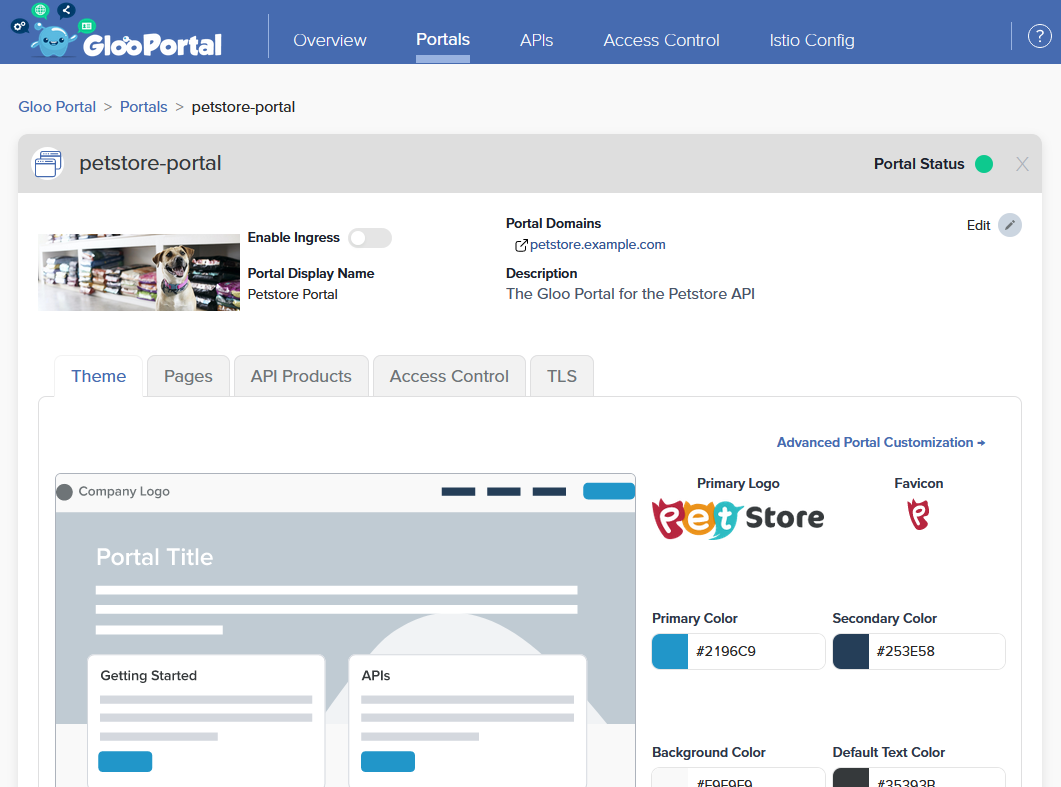
Once a set of APIs have been bundled together in an Environment, those products can be published in a user-friendly interface through which developers can discover, browse, request access to, and interact with APIs. This is done by defining Portals, a custom resource which tells Gloo Portal how to publish a customized website containing an interactive catalog of those products.
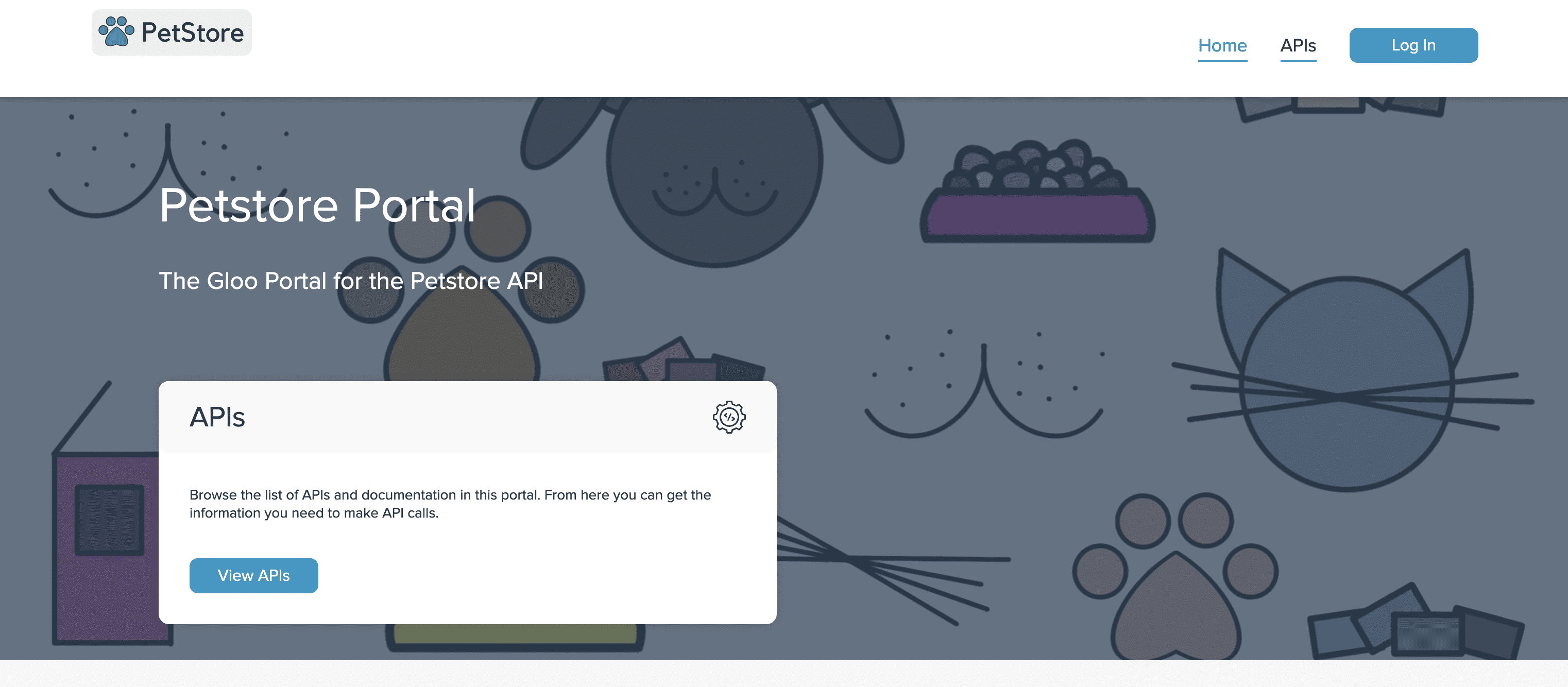
When a Portal is published with a given domain, users will be able to access a web UI for that portal on that domain:
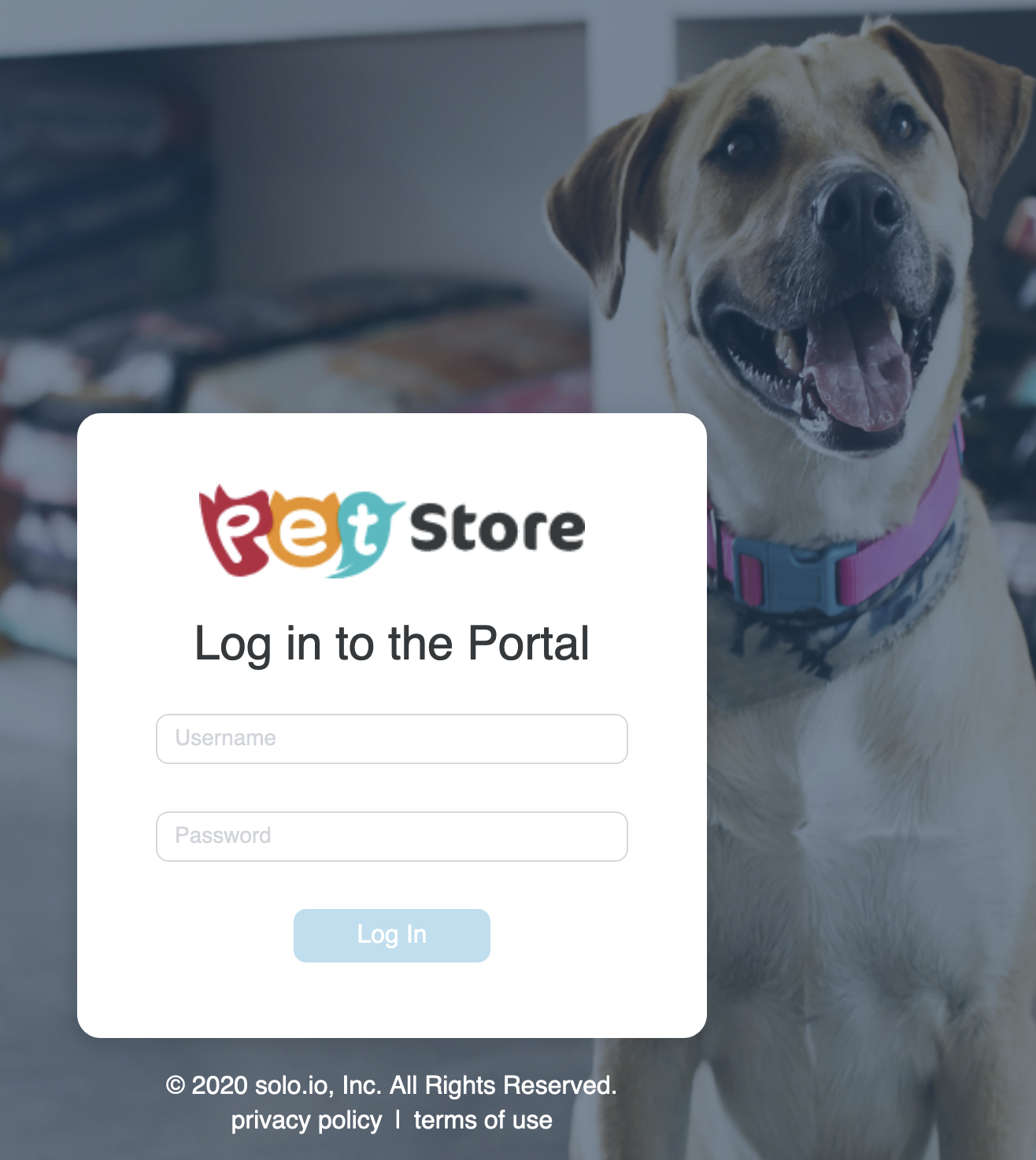
Users registered to the Portal can then log in:
Once logged in, Users can:
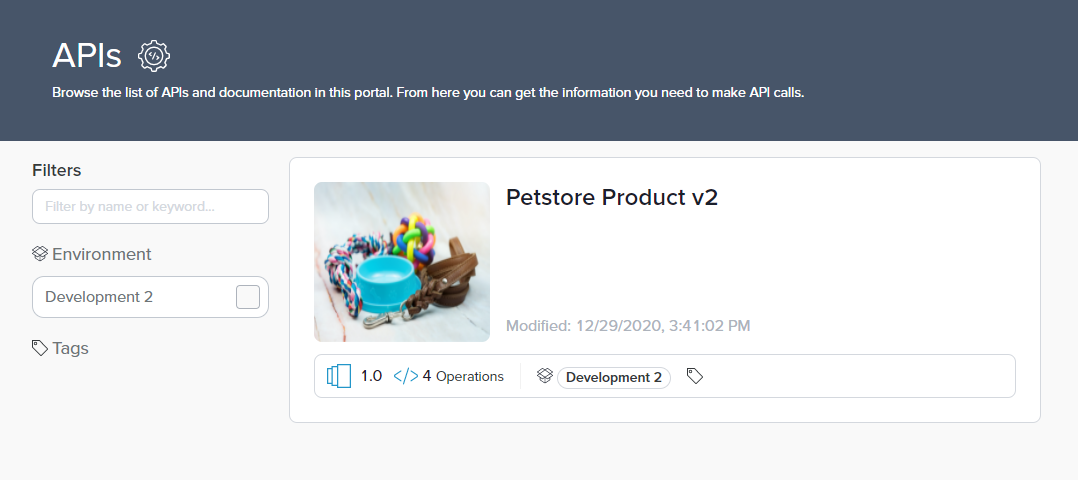
- Browse available Environments and API Products including generated API documentation
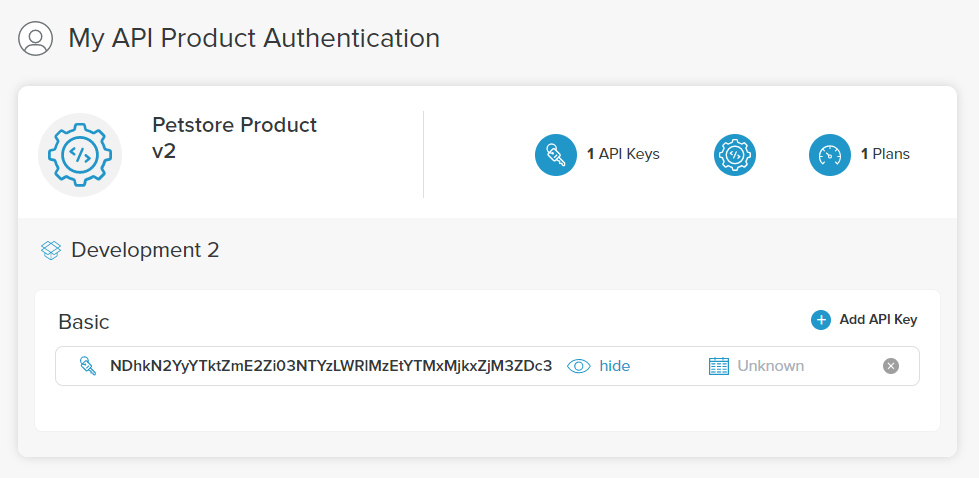
- Provision API Keys for making authorized API requests
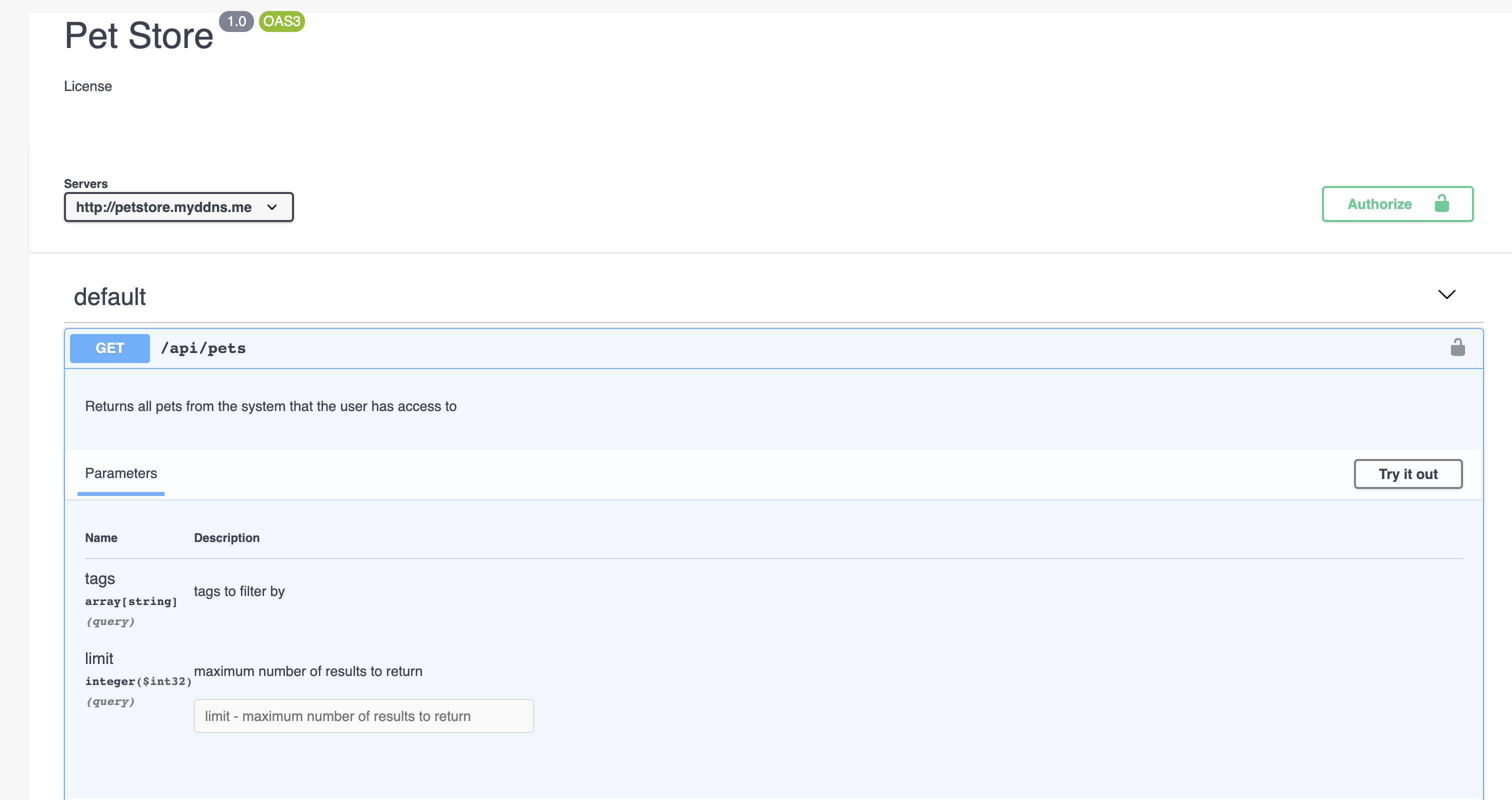
- Test available API endpoints in the interactive API catalog
- Read customizable static documentation (e.g. “Getting Started”)